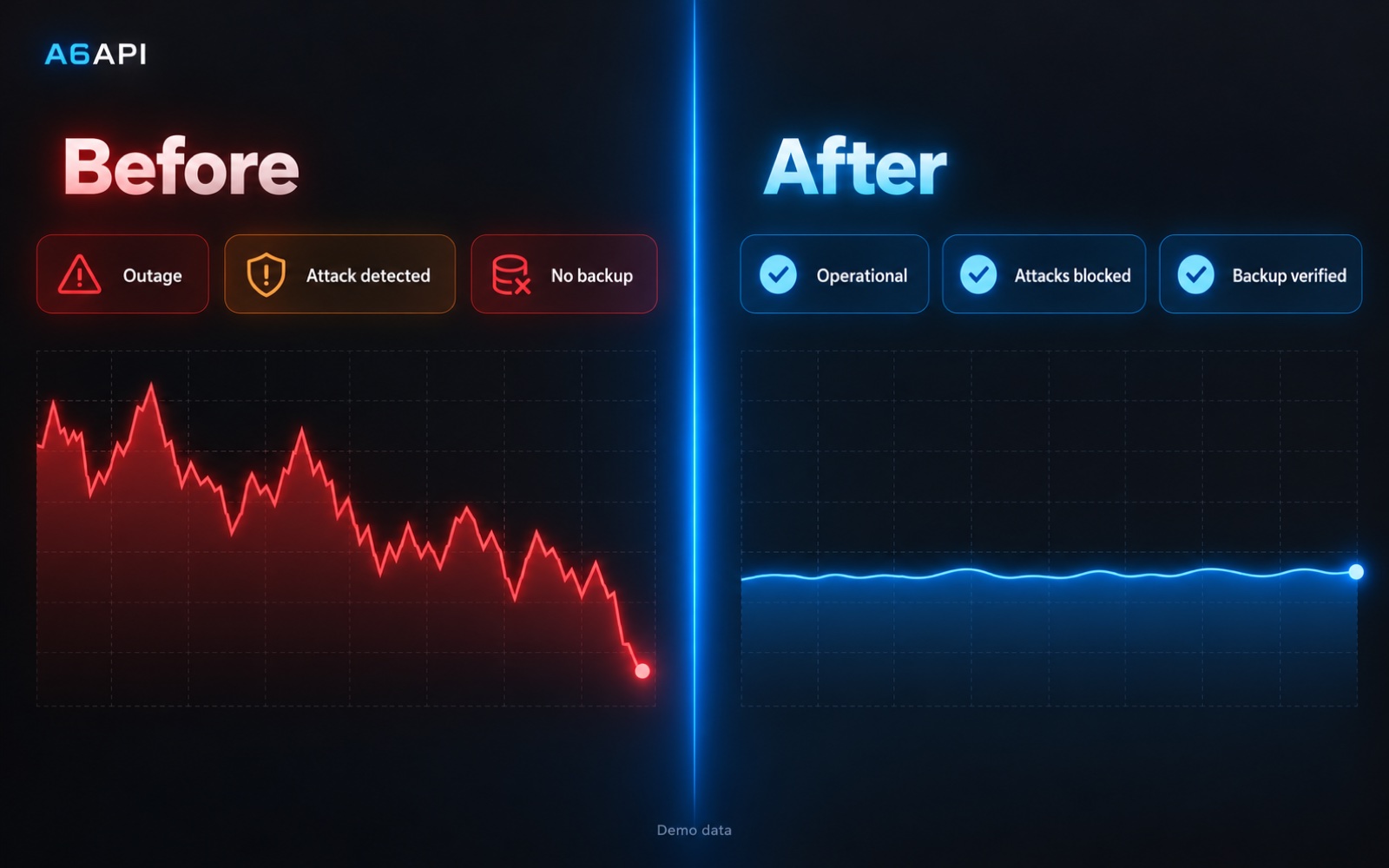
Engineering deep diveKeeping a live platform up, safe and recoverable
For engineers: the server layout, how releases go out with no downtime, and how the database is protected, tuned and backed up.
Stack
- Edge
- CDNNginx
- App
- Go binarysystemdblue-green
- Data
- PostgreSQLRedisNFS
- Backup
- base backupsWAL archivingencrypted off-site
- Ops
- cronfirewallscripted releases
Server layout
- CDN and NginxTraffic enters through a CDN. Nginx on the app server decides which colour is live.
- App serverRuns two copies of the platform, blue and green, as systemd services. One is live, one is standby.
- Data serverPostgreSQL and file storage live on their own machine, reached only over a private network.
- Build serverReleases are built on a separate server, never on production.
- Off-site storageEncrypted backup copies are kept away from the production machines.
One release, step by step
Customers never see a restart. The old version keeps running until the new one has proven itself.
- BuildThe release is built and tested on the build server, then packed with its version stamped in.
- DeliverThe package is pushed with a write-only key that can only drop files into one folder.
- StageIt is installed on the standby colour while the live colour keeps serving customers.
- VerifyThe standby is checked through the real public domain: version, health and the actual page assets.
- ApproveDatabase changes and the switch each need an exact, signed-off plan. Any change to the plan cancels approval.
- SwitchNginx is pointed to the new colour and reloaded, with no dropped connections.
- WatchThe old colour stays running. If anything looks wrong, one command switches back in seconds.
Release states
Built→Staged→Verified→Live/Rolled back
Every step is recorded, so a release interrupted by a dropped SSH session resumes instead of starting over.
Key decisions
Blue-green on the same server
- Problem
- Restarting the only running copy for a release would cut off live requests and streaming AI calls.
- Choice
- Two systemd copies side by side, with Nginx deciding which one is live. A release only ever touches the standby.
- Why
- Releases became routine, and rollback is instant because the old version never stopped.
A connection budget for the database
- Problem
- Under load, app processes opened more database connections than PostgreSQL could serve, and one busy customer could starve login for everyone.
- Choice
- A fixed connection budget per process, split into separate pools for main traffic, logs and wallet updates, and checked before every deploy.
- Why
- The database can never be overbooked, and a hot spot in one area cannot take down the rest.
Backups that are proven by restores
- Problem
- There were no tested backups. A disk failure or a bad change could have wiped out the business.
- Choice
- Daily base backups plus continuous WAL archiving for point-in-time recovery, encrypted off-site copies, and a restore script that refuses to overwrite the live database.
- Why
- Restores are rehearsed on a separate server, so recovery is a known procedure, not a hope.
Database care
- Retention with receiptsOld log rows are archived and confirmed off-site before small, paced deletes.
- Capacity ledgerAn hourly job records database growth, WAL size and free disk, and alerts before anything fills up.
- Hot-row lockingBusy wallet rows use short lock waits and skip-locked updates, so background work never blocks customer requests.
- Read load kept off the primaryCustomer log searches use a separate read pool, and heavy reporting is planned on separate analytics storage.
Scale
~0outages a day, down from 1 to 4
~80%less resource usage
2live colours, blue and green
1command to roll back
Security and access
- Private data networkThe database and file storage are not reachable from the internet.
- Locked-down SSHKey-only login on a non-standard port, behind a host firewall.
- Least-privilege deliveryThe build server can only write release files into one folder on production. It cannot open a shell or read anything.
- No secrets in release recordsRelease state files never store passwords or connection strings, and are readable only by the operator.